What is --sref?
Style Reference Explained
The --sref (style reference) parameter lets you apply a specific visual style to your generations using either an image URL or a numeric code.
Think of it as telling Midjourney: "Make whatever I describe, but make it look like THIS."
/imagine prompt: a cozy cabin in the woods --sref 1234567890
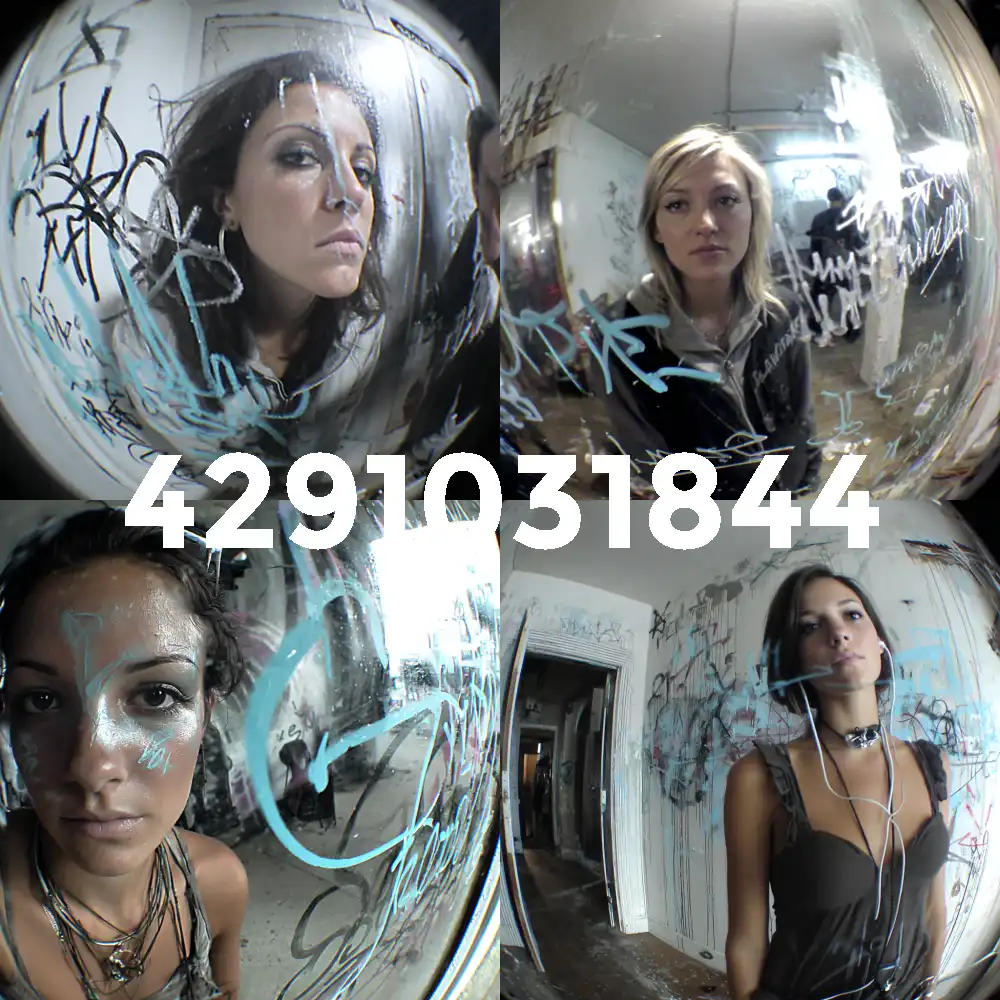
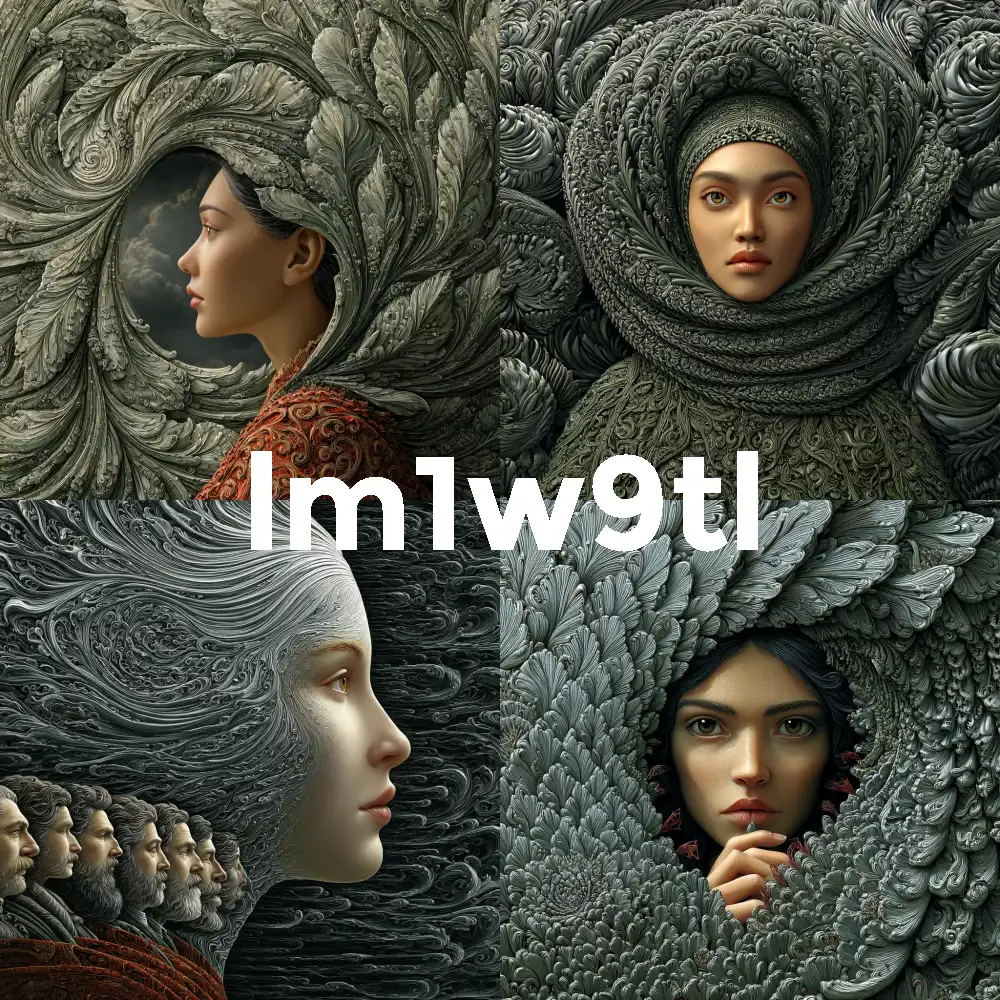
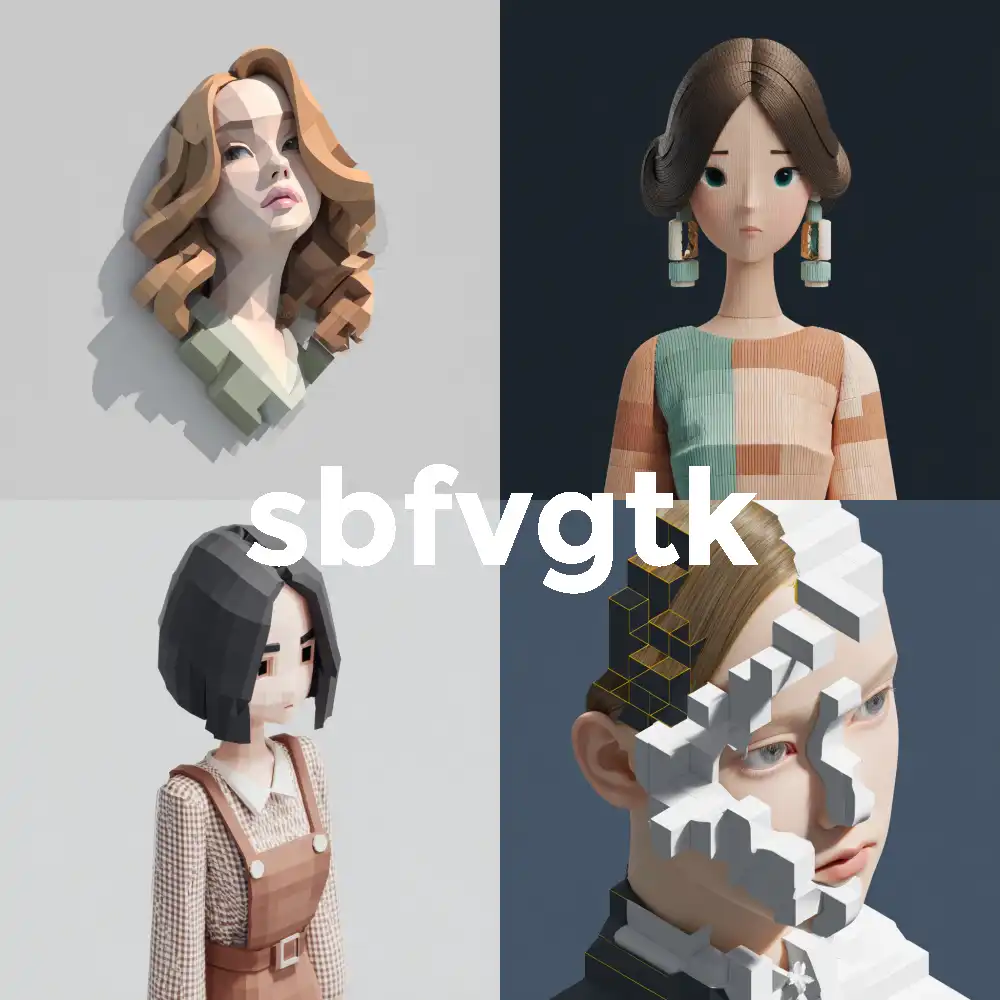
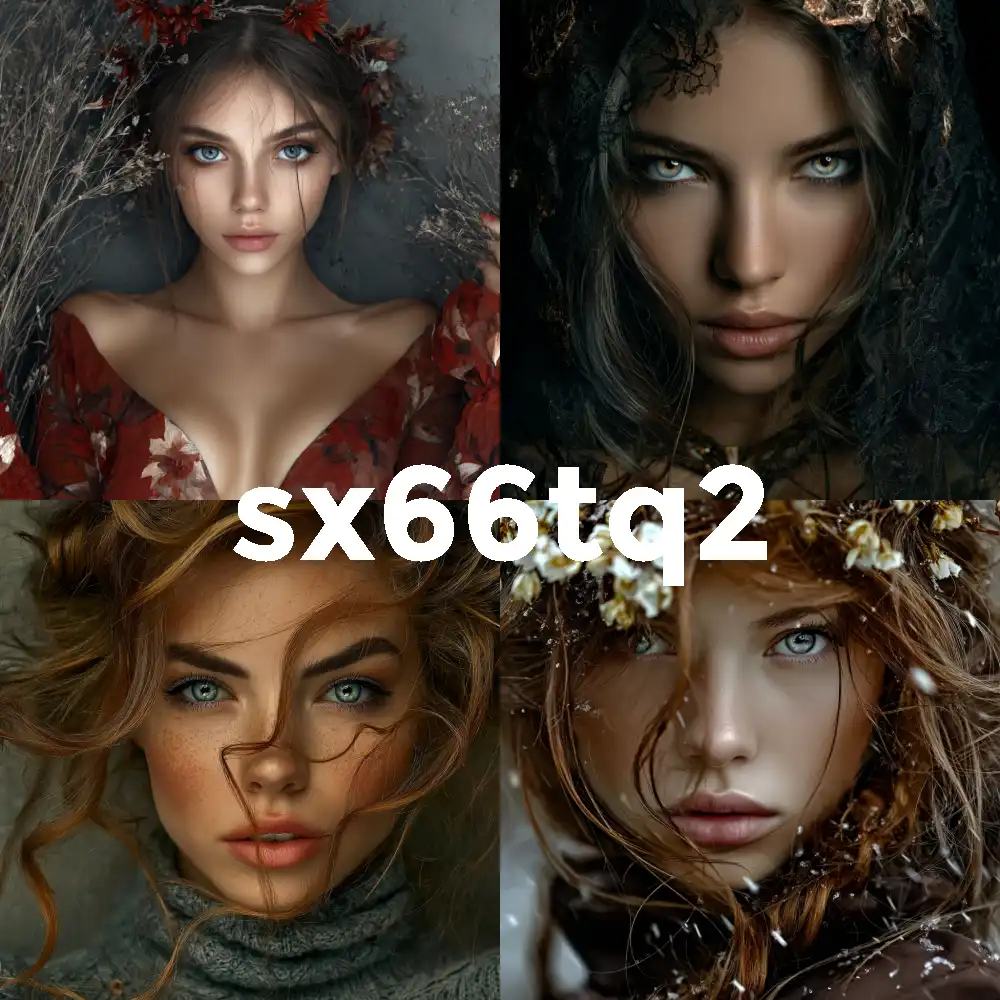
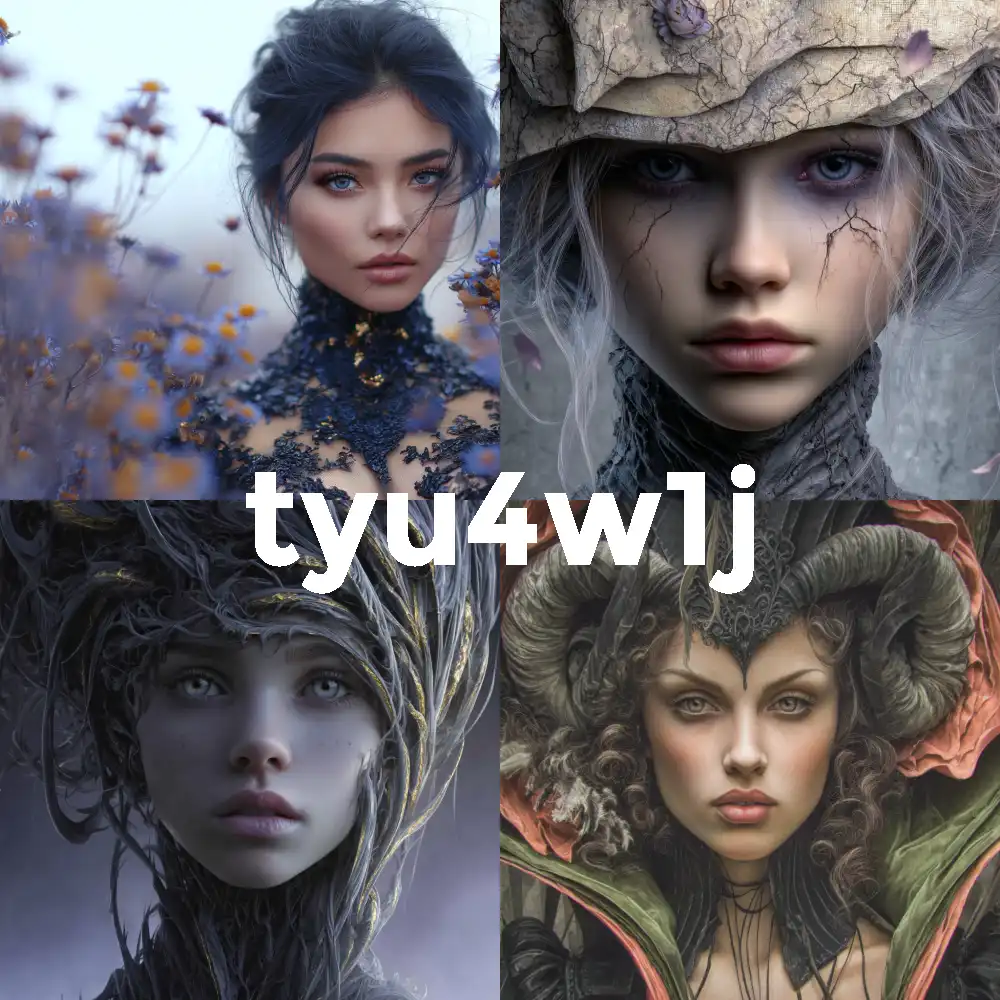
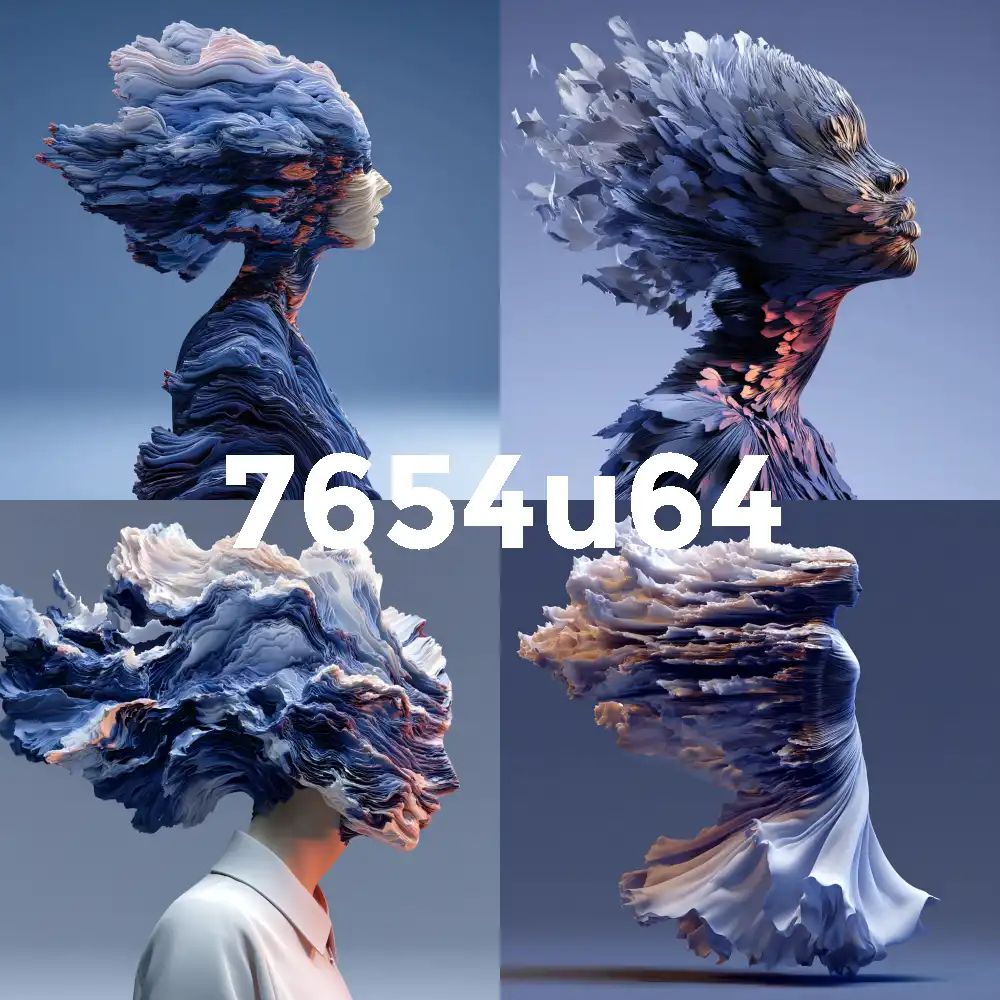
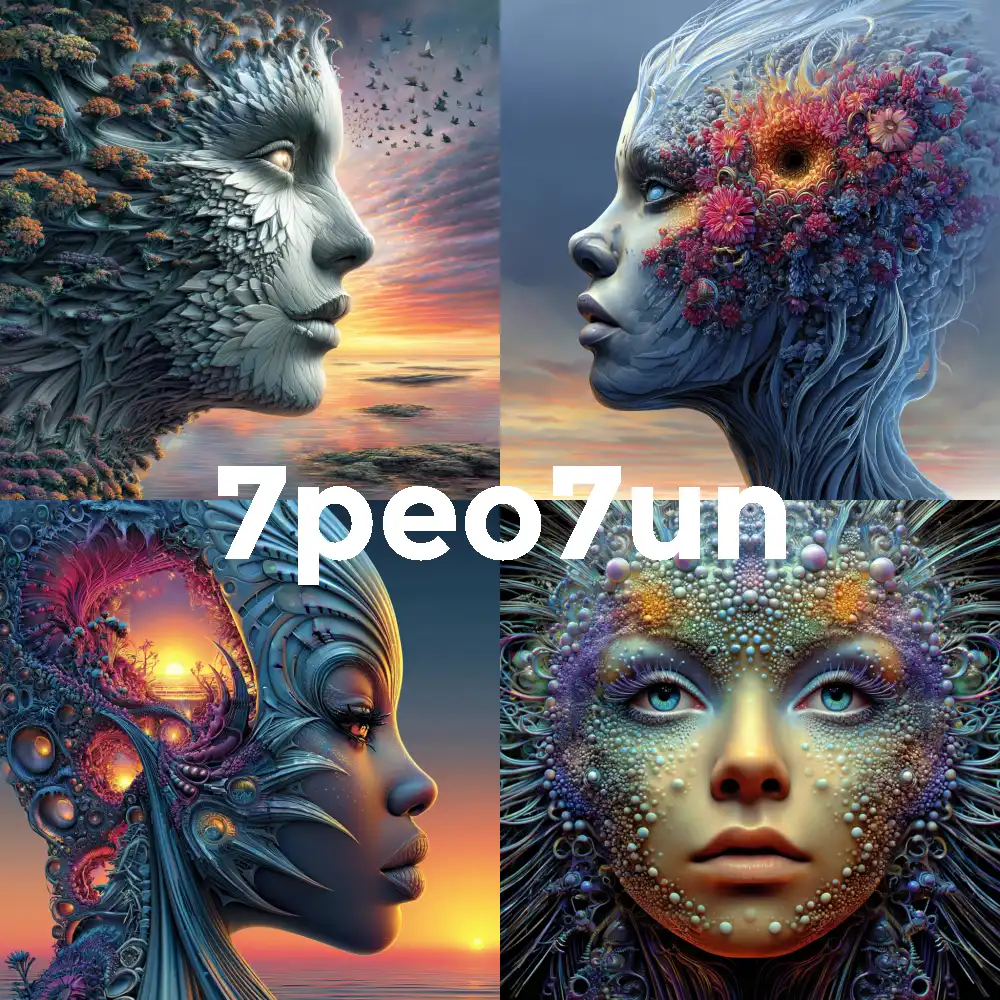
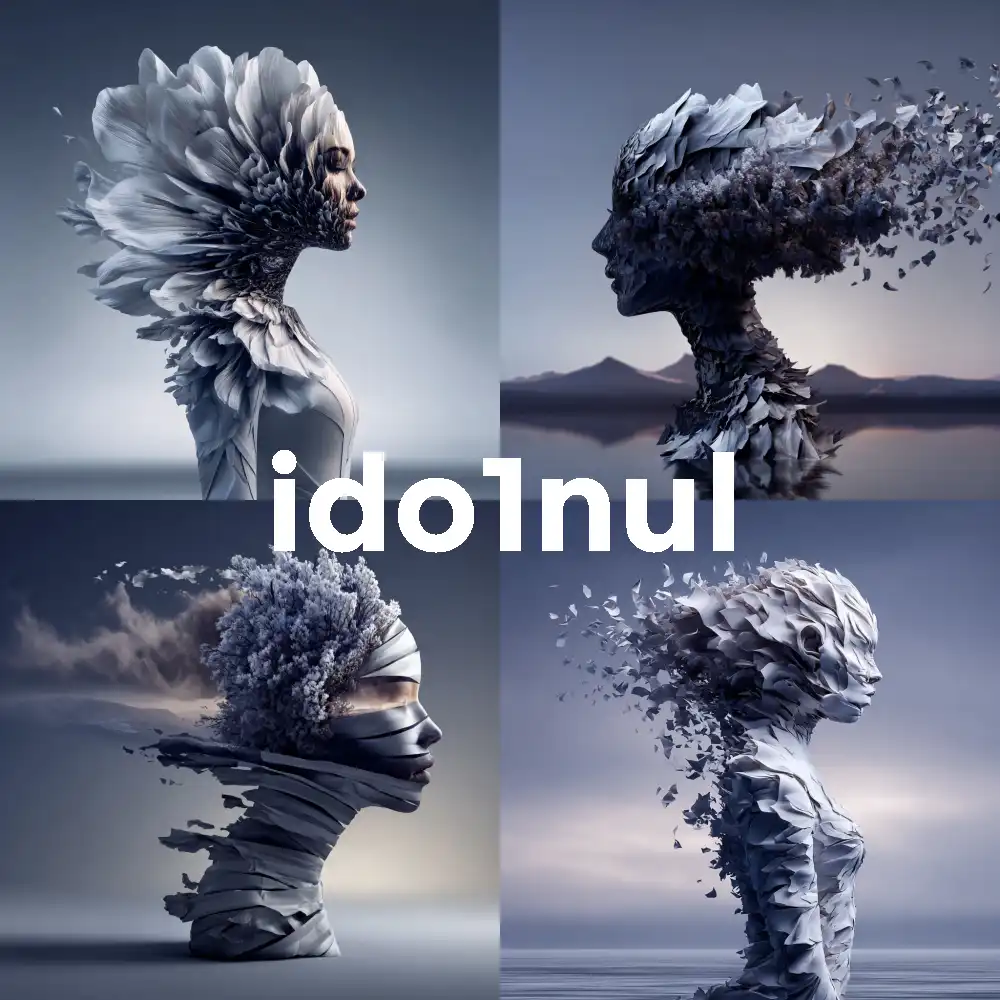
Midjourney has over 4 billion unique style codes. That's why StyleForger exists – to help you discover the best ones!
Three Ways to Use --sref
--sref Parameters
Style Weight (--sw)
Control how strongly the style reference affects your image with --sw (0-1000, default 100).
| Value | Effect | Best For |
|---|---|---|
| --sw 0 | No style influence | Testing base prompt |
| --sw 100 | Balanced (default) | Most use cases |
| --sw 500 | Strong influence | Distinct style transfer |
| --sw 1000 | Maximum influence | Full style takeover |
Style weight (--sw) is NOT compatible with moodboards. It only works with --sref.
Style Version (--sv)
Switch between different style reference algorithms with --sv.
| Version | Description |
|---|---|
| --sv 6 | Current default – most accurate style matching |
| --sv 4 | Legacy algorithm – use for old sref codes |
| --sv 1-3 | Earlier iterations – more "vibey" interpretations |
If you have sref codes from before June 2025, add --sv 4 to get the same results!
Multiple Style References
Combine multiple styles and weight them with :: notation:
/imagine prompt: fantasy castle --sref 1234567890::3 9876543210::1
↑ First code has 3x more influence than the second
Moodboards (--p)
What are Moodboards?
Moodboards are personalized style profiles you create by uploading a collection of images. Unlike --sref which uses a single reference, moodboards learn from multiple images to understand your broader aesthetic preferences.
Brand consistency, project-specific aesthetics, and complex style combinations.
Creating & Using Moodboards
- Visit midjourney.com/personalize
- Click "Create Moodboard" and upload your images
- Name it and copy the generated code
- Add it to your prompt with
--p
/imagine prompt: portrait of a warrior --p ymzqaj9
You can also combine moodboards with --sref for maximum control:
/imagine prompt: a cute cat --p ymzqaj9 --sref 1344854894
--sref vs --p: When to Use Each
--sref (Style Reference)
--p (Moodboards)
Quick Check!
You want to apply a style you found on StyleForger. Which should you use?
Pro Tips & Best Practices
Keep Prompts Simple
Let the style reference do the heavy lifting. Avoid style words that might conflict.
Save Your Favorites
When you find a great style, save the code! Use StyleForger's collection feature.
Experiment with --sw
Try values between 100-500 for balanced results. Go higher for style dominance.
Embrace Random
Use --sref random regularly to discover styles you'd never search for!
Mix & Match
Combine a moodboard for overall aesthetic with --sref for specific influences.
Mind the Version
Old sref codes (pre-June 2025) need --sv 4 to work as expected.
Parameter Builder
Build Your Prompt
Customize your parameters and copy the ready-to-use snippet!







/imagine prompt: a cozy cabin in the woods